To view the trips completed by the selected vehicle the user should,
- Click on ‘Trips’
- Then select ‘From’ and ‘To’ from the calendar option.
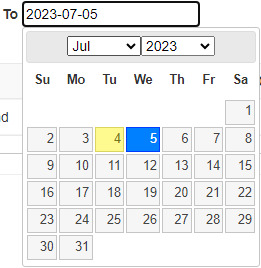
- After this step click on ‘Find Trips’ button, which will give the user trips data between selected dates as shown below.
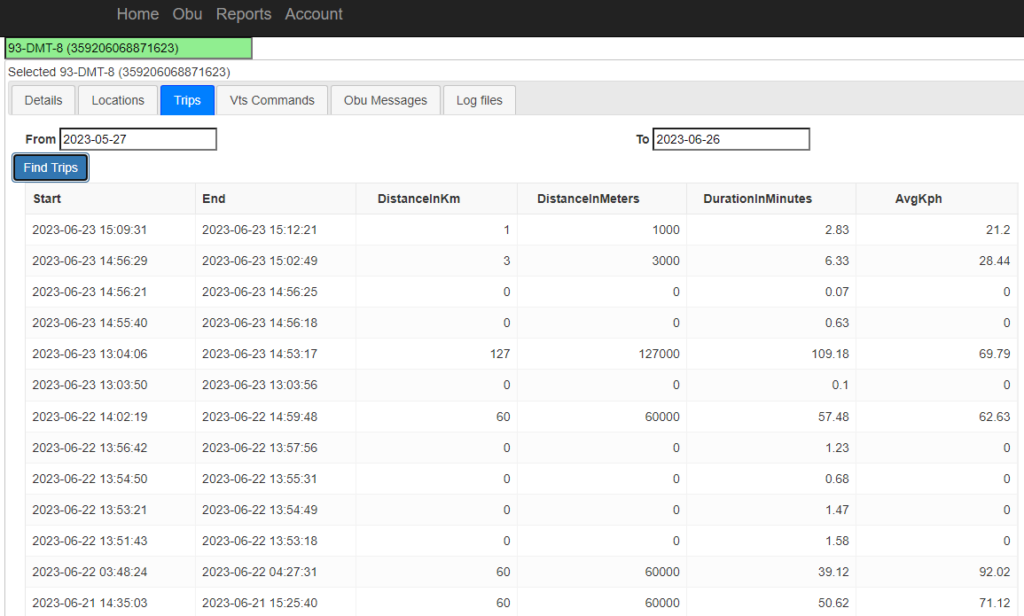
- The data displayed on the screen will consists of
- Start: Date on which the trip started.
- End: Date and time on which trip ended.
- DistanceinKm: Distance covered in a particular trip for selected vehicle is given in Km.
- DistanceinMeters: Distance covered in a particular trip by selected vehicle is given in Meters.
- AvgKph: Average speed of the trip.